GEPCO bill history download
Need your last 6–12 months of bills for a tenancy, tax or record? Here is what actually works — honestly.
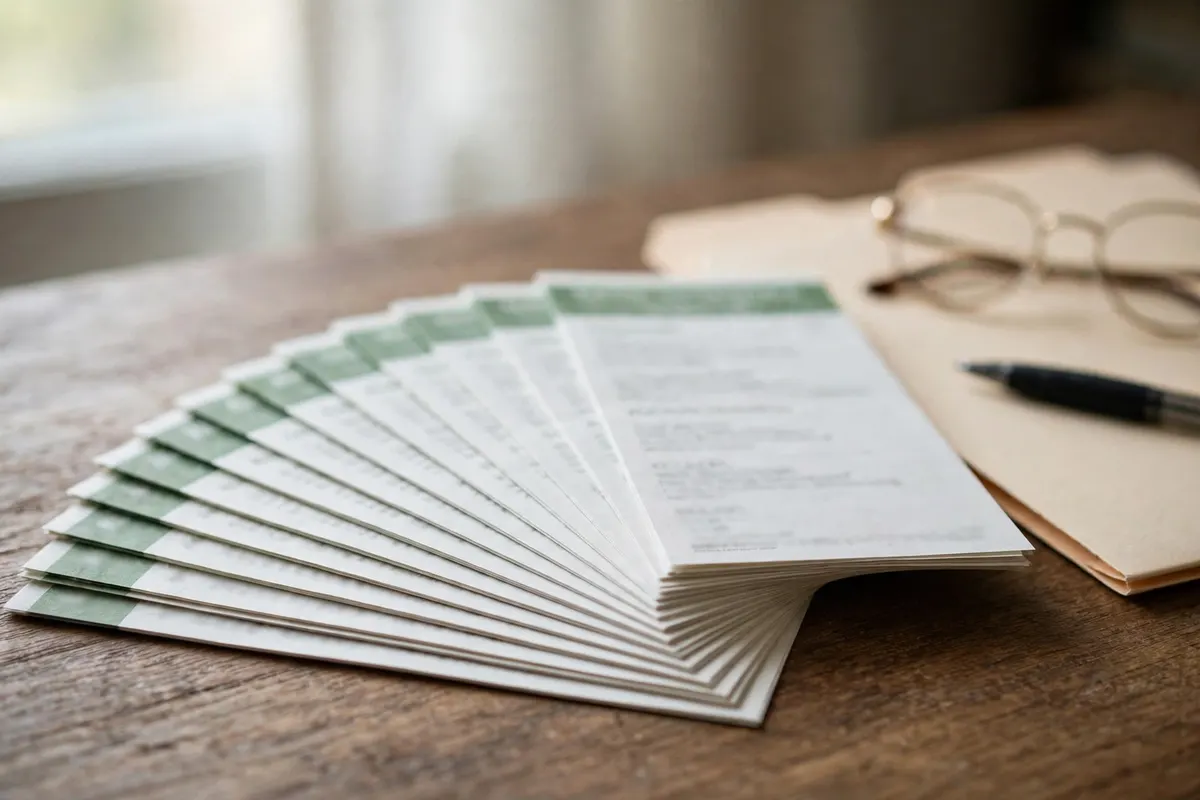
GEPCO online duplicate bill — this month
Check your bill with the checker, then use the portal's print / save option to download the current month's bill as a PDF. Accepted by banks and apps exactly like the paper copy.
Last 12 months — the history chart
There is no one-click bulk download of 12 full bills. The generated bill carries a roughly 12-month chart of units, amounts and payment status, and each month's duplicate can be saved one by one.
Older records — office route
For records older than 12 months, first try the bank or wallet app you paid from — it keeps your payment history. For formal copies, visit your sub-division office with your reference number and CNIC, or call 118.
Practical way to build a 12-month file
- Download this month's duplicate from the Duplicate Bill page steps.
- Read the 12-month chart printed on the bill — it lists units, amount and paid status month by month.
- Save each new month's PDF as it comes; within a year you have a complete set.
- Keep your bank / Easypaisa / JazzCash receipts — they prove payment dates and amounts.
What to record each month
For every month, record four things: the billing month, the units used, the amount billed, and the payment date and status.
Your bill already prints a roughly 12-month chart of units, amounts and payment status. Saving each month's duplicate beside it gives you a complete file for tenancy, tax or record purposes.